Why Parents Look for Nanit Alternatives
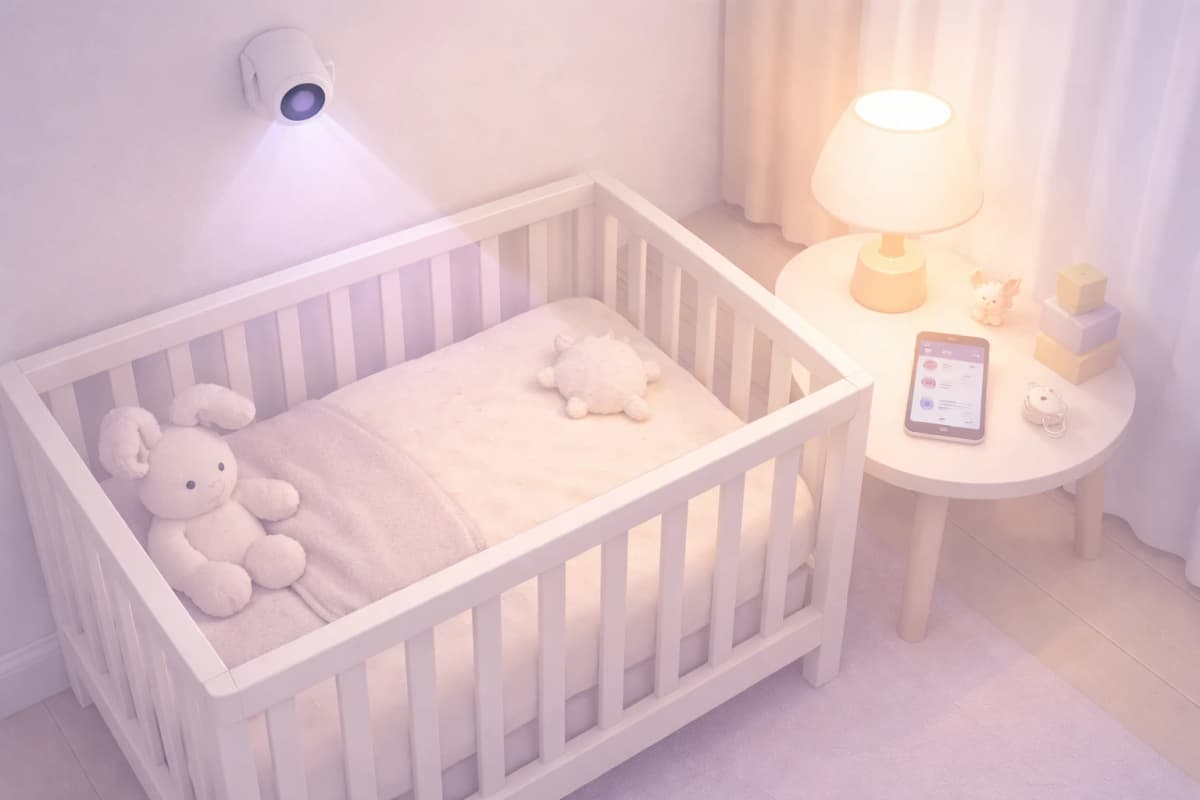
Nanit is a camera-based smart baby monitor with optional sleep analytics. Families comparing it with software trackers or local camera monitors should first decide whether they need live nursery video, automatic camera-based data, or a portable manual log.
As checked on July 15, 2026, Nanit listed a Smart Baby Monitor + Flex Stand at $249 and a Smart Baby Monitor System at $289.99, with other bundles at different prices. Its Insights page listed Memories at $120/year and Milestones at $300/year. An Insights plan is not required for core live video, notifications, two-way audio, temperature/humidity, white noise, or nature sounds; advanced sleep analytics and video-history features depend on the selected plan.
Beyond price, there are practical limitations. Nanit requires stable Wi-Fi and a specific mounting position. It only tracks sleep when the baby is in the crib under the camera — naps in a stroller, car seat, or while being held are invisible. And because the tracking is camera-based, it relies on visual cues that can be disrupted by blankets, movement, or lighting changes.
For parents who want sleep tracking without the camera dependency, or who need a more budget-friendly approach, several compelling alternatives have emerged.
Quick Comparison: Nanit Alternatives at a Glance
| Alternative | Type | Sleep Tracking | Sounds | Price | Subscription |
|---|---|---|---|---|---|
| Dozling | App | Yes (manual + predictions) | Yes | Free | None |
| Owlet Dream Duo | Sock + Camera | Yes (automatic) | Via app | $379.99 | Optional $9.99/mo |
| Huckleberry | App | Yes (manual) | Not listed in current feature set | Free / $11.99–$14.99/mo | Required for predictions |
| eufy SpaceView | Camera Monitor | No | No | ~$79 | None |
| Miku Pro | Smart Monitor | Yes (automatic) | Yes | $349 | $9.99/mo (full analytics) |
1. Dozling — Best Free Software Alternative
> Disclosure: Dozling is our app. We believe in transparency — we are recommending it because it genuinely solves the problems that drive parents away from Nanit, not because we built it.
Dozling takes a different approach to baby sleep tracking. Instead of using a camera to observe sleep, it combines one-tap manual logging with an estimate of a possible next sleep window.
The products collect different kinds of information. Nanit can provide camera-based monitoring and, with the applicable Insights features, automatic sleep analysis. Dozling relies on manual logs and uses that history to estimate a possible next sleep window. Dozling does not provide video monitoring, and Nanit is not designed as a portable manual sleep log.
Both products include sound features. Dozling offers white noise and sleep sounds from an iPhone, while Nanit lists white noise and nature sounds among the core features available through compatible monitor hardware. The practical difference is the required device, not the existence of sounds.
Best for: Parents who want predictive sleep guidance and built-in sounds without any hardware or subscription costs.
Limitations: No video monitoring — Dozling is a sleep optimization tool, not a camera.
2. Owlet Dream Duo — Best Smart Sock + Camera Bundle
The Owlet Dream Duo pairs a smart sock with a camera for $379.99. The sock tracks heart rate and oxygen levels through pulse oximetry, while the camera provides HD video with room temperature monitoring.
After Owlet's well-publicized FDA issues in 2022, the company pursued formal clearance — the Dream Sock received FDA De Novo clearance in November 2023 as the first over-the-counter, medical-grade infant pulse oximeter. Owlet now markets the Dream Duo as "FDA-Cleared" with specific oxygen and pulse-rate health claims. Sleep tracking is automatic — the sock detects when your baby is asleep based on movement and heart rate patterns.
The Owlet app provides sleep trend data, and the base station changes color if readings fall outside preset zones. There is an optional $9.99/month subscription for historical analytics and extended video storage.
Best for: Parents who want both vital sign monitoring and video in one system and are willing to invest upfront.
Limitations: Expensive. The sock must be charged daily. Some babies resist wearing it.
3. Huckleberry — Best App with Android Support
Huckleberry is an app-based alternative for manual logging and timing guidance. Its Sleep Window feature uses logged sleep data to estimate upcoming sleep timing. In July 2026, the US App Store listed Huckleberry Plus at $11.99/month and Premium at $14.99/month; features and prices can change.
The free tier of Huckleberry allows basic sleep logging with charts and trends. The paid tier adds Sleep Window predictions, sleep program guidance, and extended analytics. Huckleberry is available on both iOS and Android, as is Dozling; some alternatives in this category remain iOS-only.
Huckleberry's current official product and US App Store feature lists do not advertise a built-in sound library or dedicated monitor hardware. Check the latest listing because app features can change.
Best for: Android parents who want app-based sleep predictions and are willing to pay a subscription.
Limitations: Predictions require a paid plan. No built-in sounds. The subscription adds up to $144–$180/year billed monthly, or $69–$120/year if paid annually.
4. eufy SpaceView — Best Budget Monitor with No Subscription
The eufy SpaceView takes the opposite approach to Nanit: no Wi-Fi, no app, no subscription, no smart features. It is a dedicated baby monitor with a 5-inch 720p display, a wide-angle lens, night vision, and two-way audio — all operating on a private encrypted FHSS signal.
At approximately $79, the eufy SpaceView costs less than half of Nanit's camera alone. There are zero ongoing costs. The monitor works out of the box with no account creation, no firmware updates, and no dependency on your home network.
The trade-off is clear: you get no sleep tracking, no analytics, no app integration, and no cloud features. The eufy SpaceView is a camera and nothing more. But for parents who simply want to see and hear their baby — without the complexity and cost of a smart system — it is hard to beat.
Best for: Parents who want reliable video monitoring with zero recurring costs and no Wi-Fi dependency.
Limitations: No sleep tracking or analytics. No app. Manual-only — you watch the screen, the monitor does not analyze anything.
5. Miku Pro — Best Non-Contact Breathing Tracking
The Miku Pro ($349) offers something no other consumer monitor does well: non-contact breathing tracking. Using proprietary SensorFusion technology, the Miku Pro detects breathing patterns, sleep position, and room conditions without requiring your baby to wear anything.
Sleep tracking is automatic. The Miku app provides sleep duration, sleep quality scores, and breathing trend reports. The camera captures 1080p HD video with night vision, though a $9.99/month Mikucare membership is now required to unlock full sleep/breathing analytics and extended video storage — basic audio/video monitoring works without it.
The Miku Pro represents one of the closest feature-equivalents to Nanit. The breathing tracking is the key differentiator: Nanit requires Breathing Wear (from $19.99 per band) plus a subscription to access breathing analytics, while Miku includes it contact-free as part of its own membership.
Best for: Parents comparing non-contact breathing tracking with other smart-monitor approaches.
Limitations: Expensive upfront. The non-contact breathing detection, while innovative, is less precise than contact-based methods like the Owlet sock. Requires stable Wi-Fi.
Camera vs App: Do You Really Need a Smart Monitor?
Start with the function your family actually needs.
A smart baby monitor like Nanit answers the question: What is my baby doing right now? An app-based tracker like Dozling answers a different question: When should my baby sleep next?
Neither question is universally more important. A monitor can help a caregiver see and hear a baby in another room. A manual tracker can help record naps and bedtimes and may make schedule patterns easier to notice. Logged timing cannot prove why a particular waking occurred, and neither product guarantees better or longer sleep.
The parents who benefit most from smart cameras are those dealing with specific safety concerns, those who need to monitor a baby in a separate room at a distance, or those who want passive tracking with no daily input required.
App-based trackers may suit families who are willing to log sleep and want a portable record for planning routines. Camera monitors may suit families who prioritize remote viewing or automatic crib-based data. Compare those functions directly rather than assuming that price or product type predicts sleep outcomes.
For more about environmental factors, see our baby room temperature and sleep environment guide. For a broader comparison of tracking tools, read our baby sleep tracker apps comparison.
---
More Baby Sleep App Comparisons
- 6 Best Owlet Alternatives for Monitoring Baby Sleep
- 5 Best Snoo Alternatives for Better Baby Sleep
- 5 Best Baby Sleep Apps That Are Actually Free
- 7 Best Baby Sleep Tracker Apps Compared
- Dozling vs Nanit — Full Comparison
“A baby monitor and a baby sleep tracker are not the same thing. The right tool depends on whether you need a camera or software helping you time sleep.”
— Dozling Editorial Team